for expert insights on the most pressing topics financial professionals are facing today.
Learn MoreToday’s advisors need clearer, more focused views of interactive reports during client conversations. This update delivers that clarity by giving you more space to spotlight charts and insights, supporting more efficient, confident reviews.
This update to Decision Center reflects our vision to create flexible, intuitive planning experiences that adapt to the conversation you’re having with your client, while delivering a more consistent experience.
Why This Matters to You
What’s New
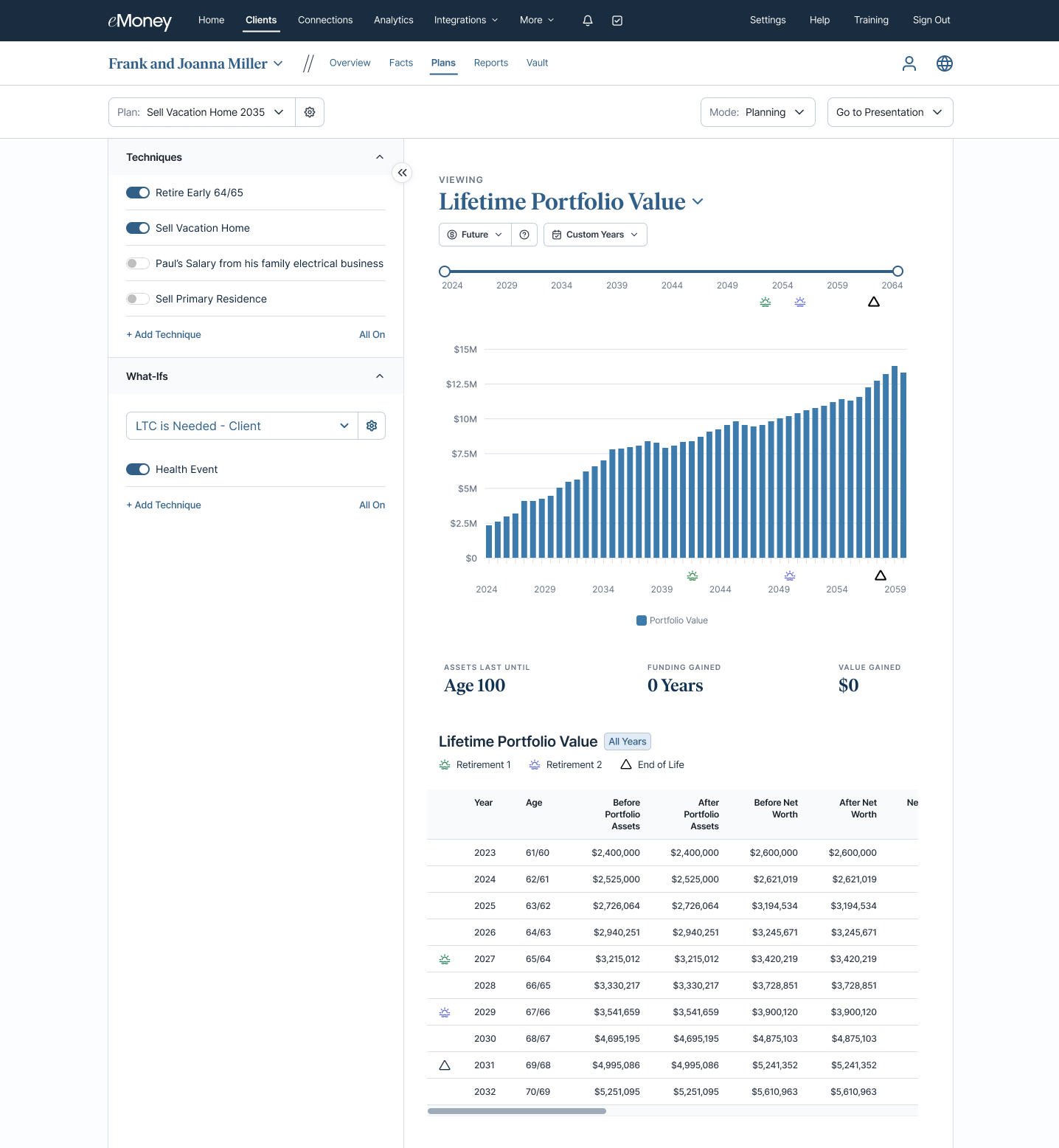
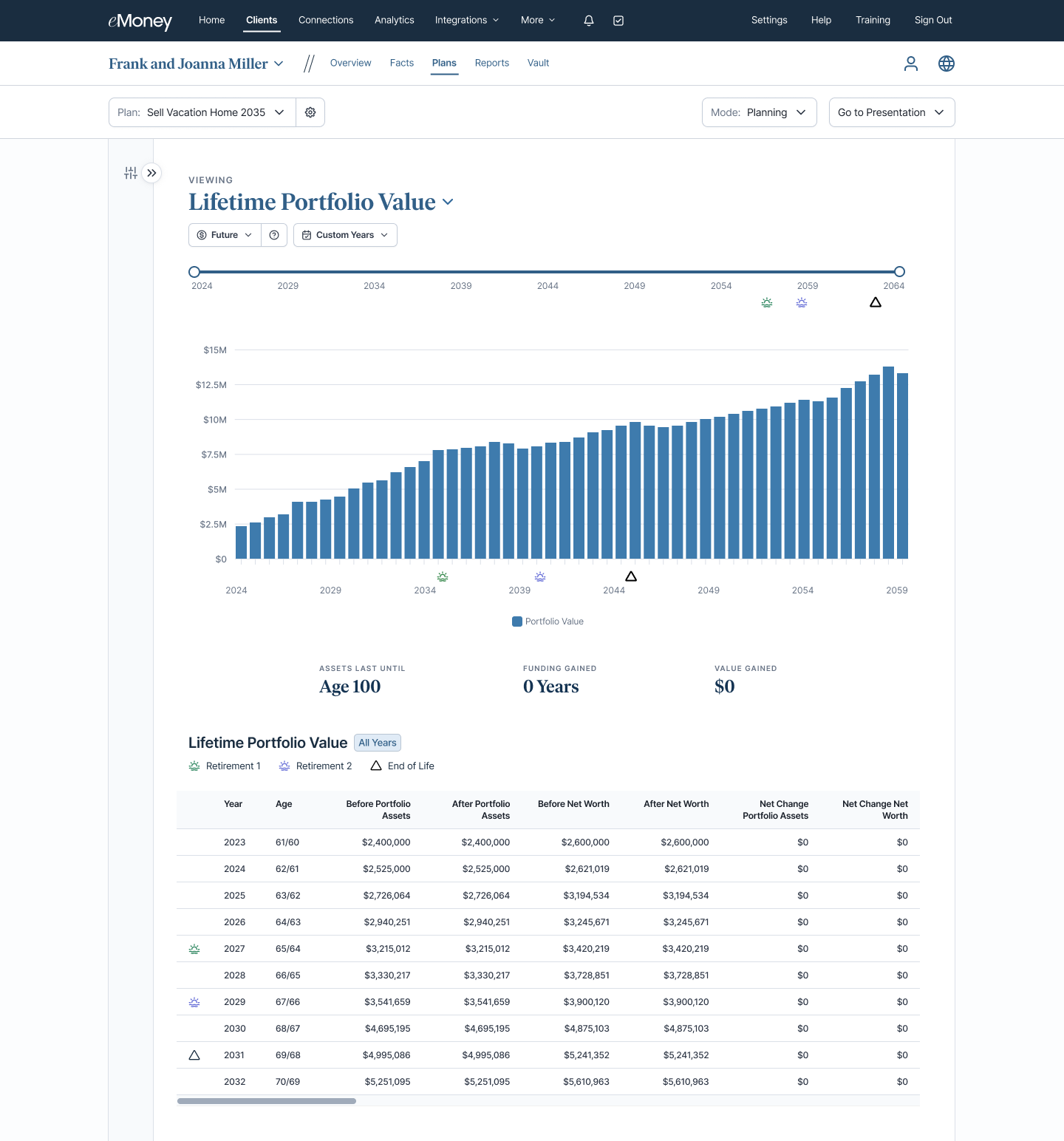
Decision Center now includes a collapsible left panel, allowing you to dedicate more screen space to interactive reports when needed.
How It Works
Use This When…
You’re walking a client through interactive reports and want the visuals to take center stage, especially during live meetings where clarity and engagement are key.
Put This Feature Into Action
During your next client review, collapse the Technique panel to create a cleaner, more focused presentation experience. When you’re ready to adjust inputs or explore additional techniques, expand the panel instantly, without leaving the report.